01 · PAINT CREW
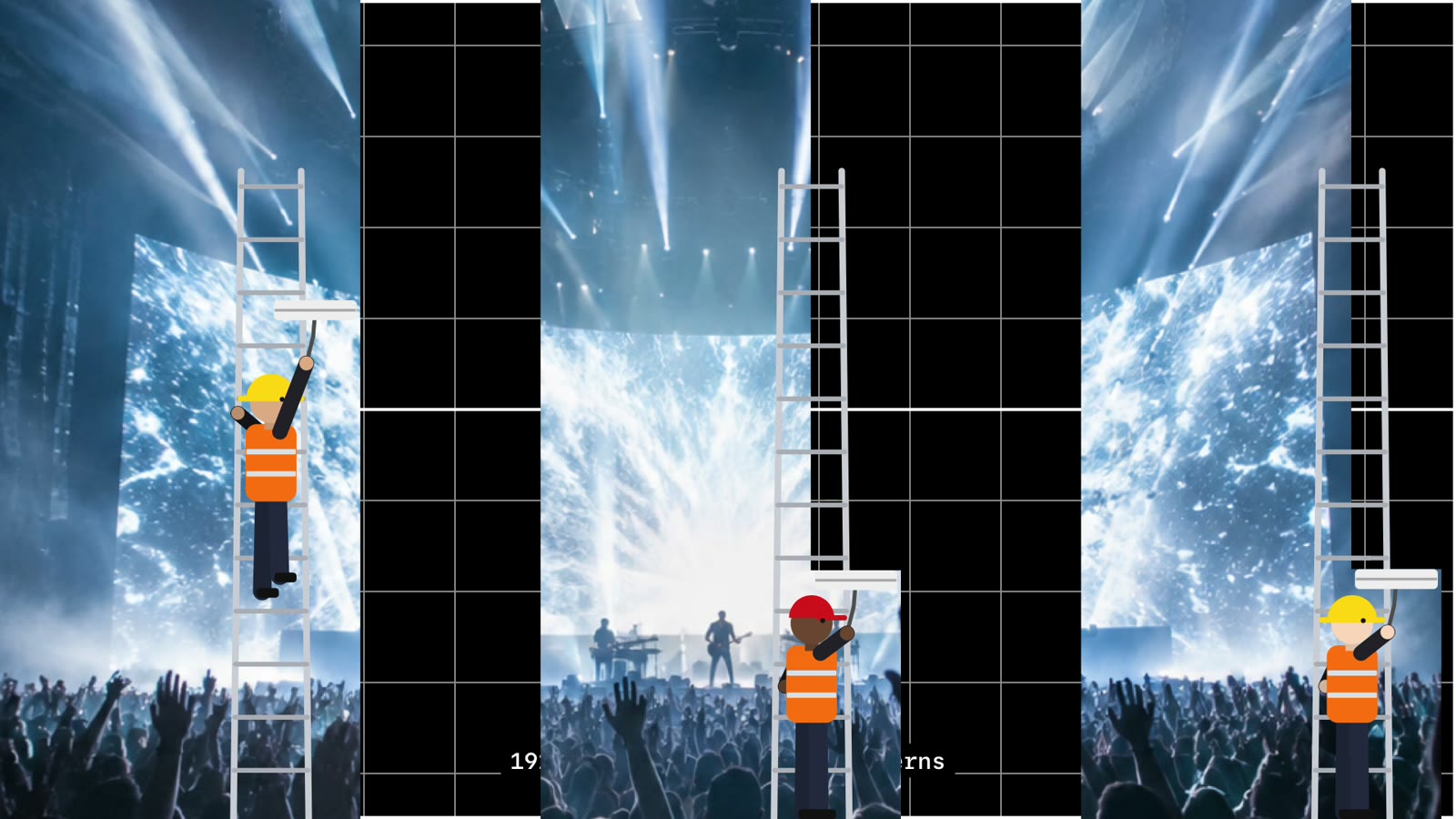
A crew paints it on.
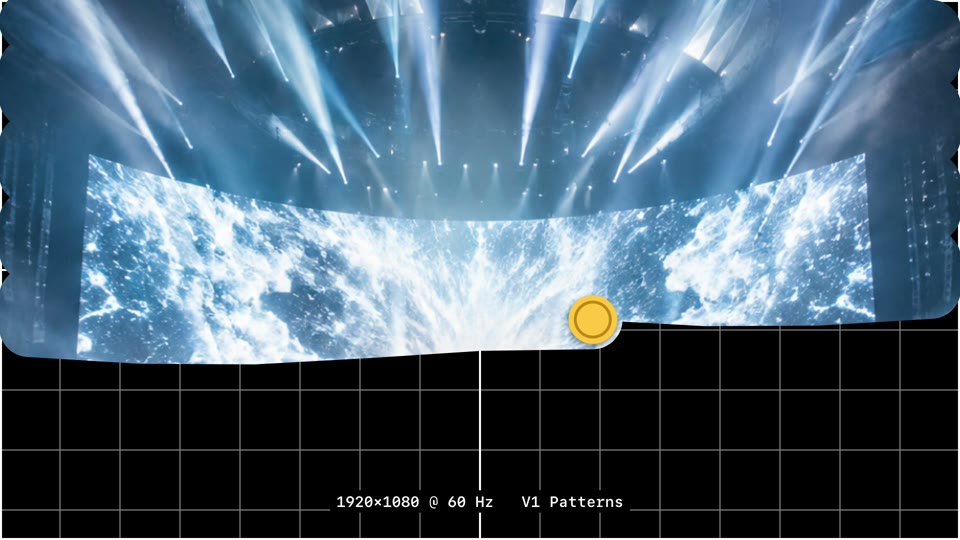
Stagehands with rollers and ladders paint your photo onto the screen, strip by strip, then celebrate.
 Beta · TestFlight
V1 Patterns · free · iPhone & iPad
Plug your iPhone or iPad into any TV or projector and the pattern is up. Then let a paint crew, a jigsaw or a scratch-off reveal your photo on the big screen.
Opens in TestFlight, Apple's beta app. Coming soon to the App Store.
What makes it different
Load a pattern, choose a photo, then start an animation. No photo? The crew paints a clean white field instead. Photos can fit the whole picture, with a blurred backdrop instead of black bars, or fill the screen.
01 · PAINT CREW
Stagehands with rollers and ladders paint your photo onto the screen, strip by strip, then celebrate.
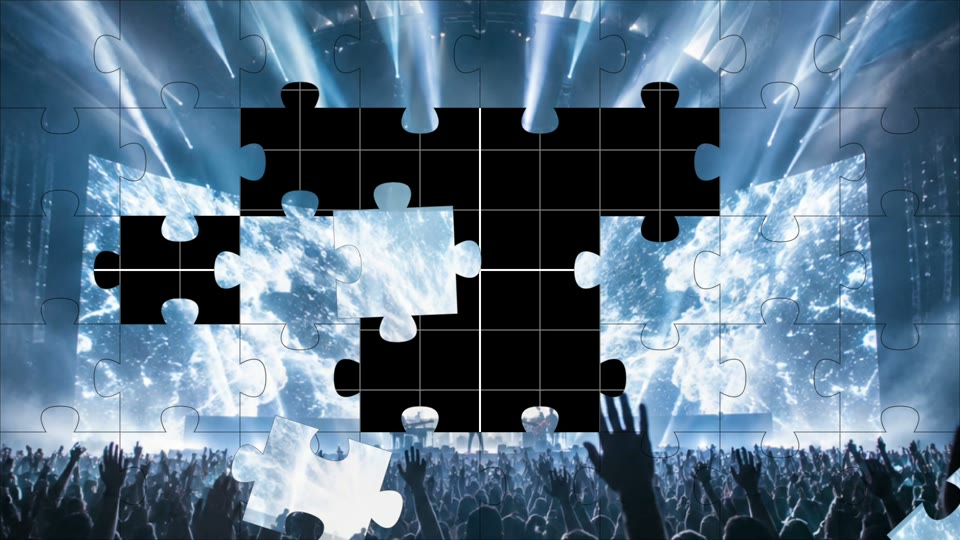
02 · JIGSAW
Your photo arrives as real puzzle pieces that fly in and snap into place.
03 · SCRATCH-OFF
Drag your finger on the phone and scratch the photo onto the big screen, with a blast of confetti when it's done.
Plug in, and the pattern is up
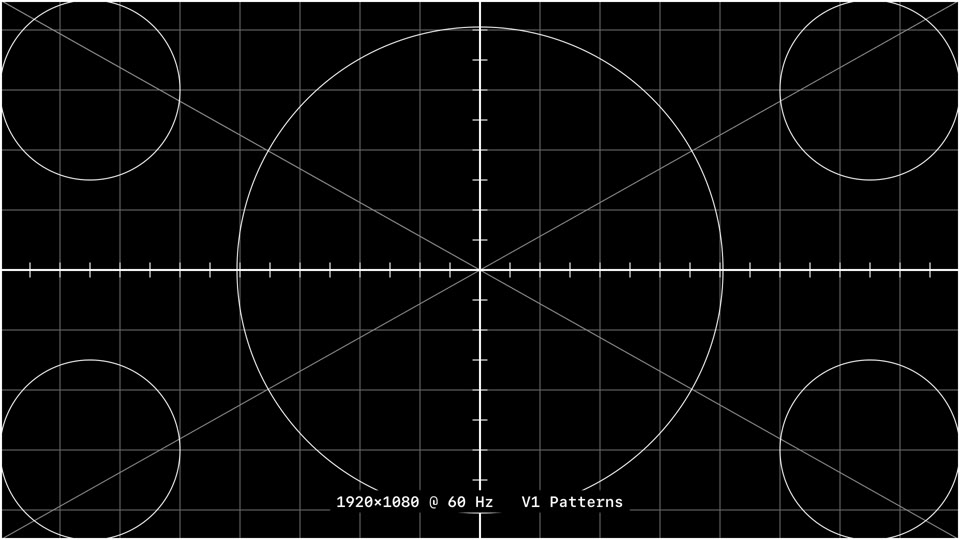
Connect an HDMI adapter and the line grid appears on the display immediately. No menus, no waiting.
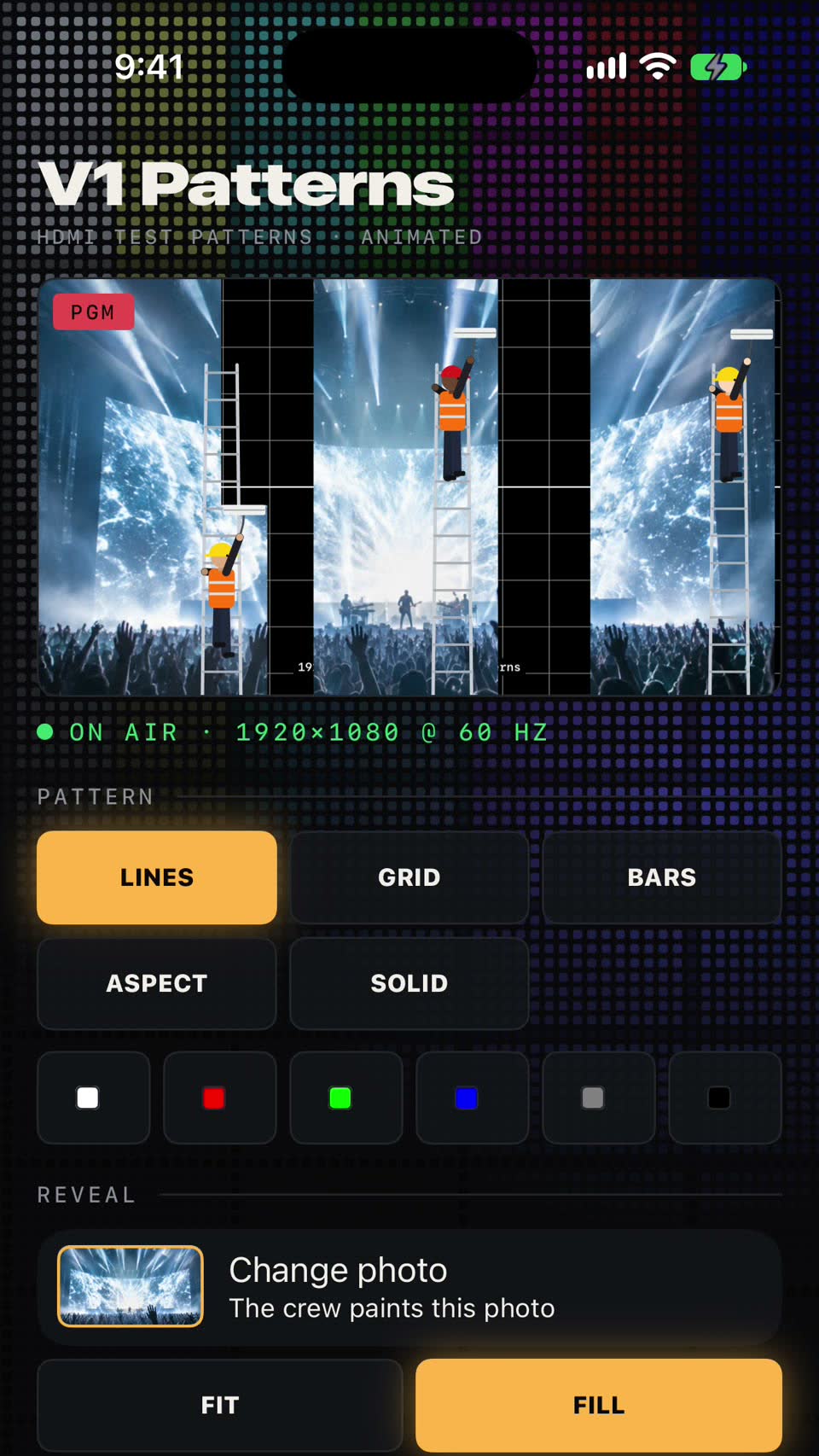
Your phone is the remote
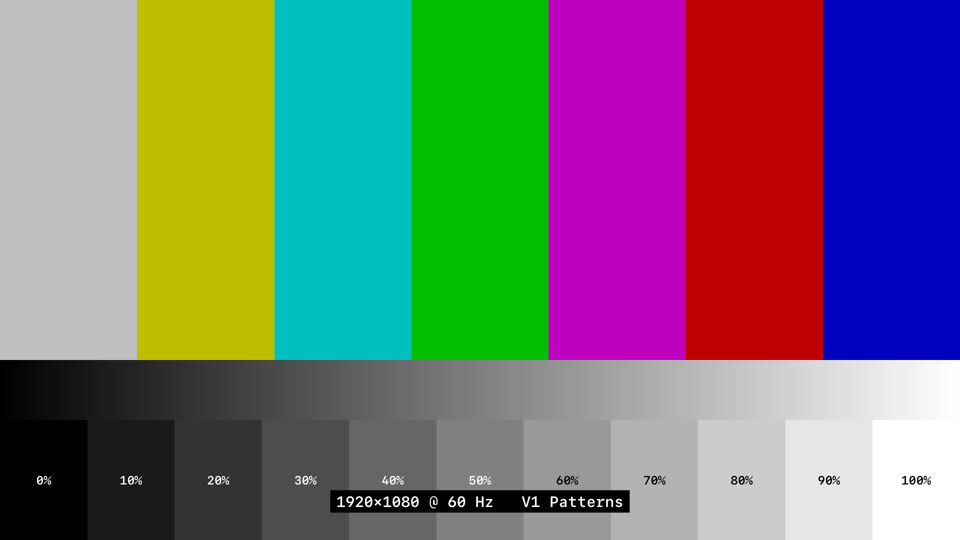
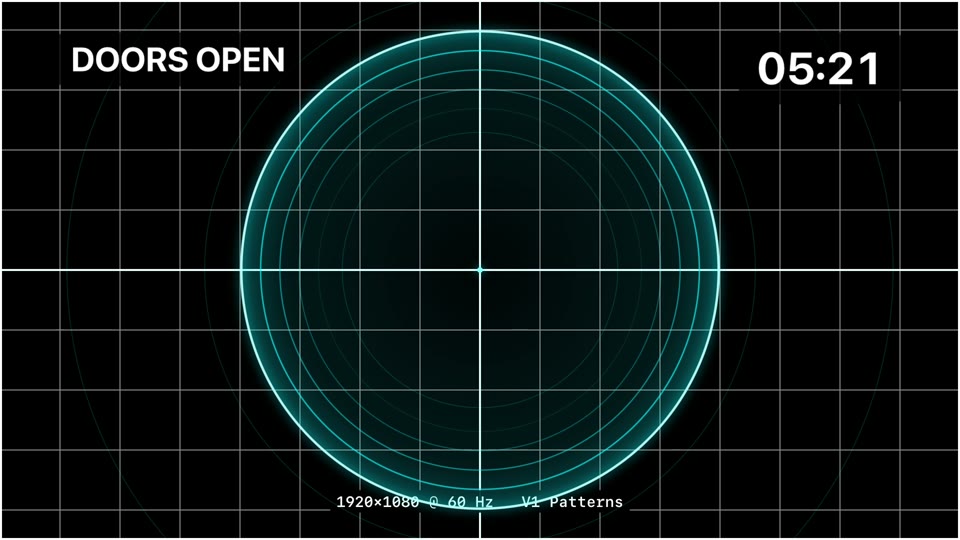
The phone shows a live preview of what the display is showing, with the pattern, reveal, animation and overlay controls under it. Layer any overlay on top of any pattern:
Why I built it
To make the video tech's life easier, and more fun. Connect your phone with a USB-C to HDMI adapter and test any projector or TV in Full HD or 4K, your way.
Pepe Figueroa · video engineer
Test it on your projectors and TVs, and tell me what you think. Coming soon to the App Store.
Support
Connect your iPhone or iPad to the display with an HDMI adapter (USB-C to HDMI on current devices), or use AirPlay to an Apple TV or AirPlay display.
Open V1 Patterns. The line pattern appears on the display straight away, and the phone becomes the remote, with a live preview of what's on air.
Keep V1 Patterns open while the display is connected. When the app isn't in front, iOS mirrors your phone instead.
Found a bug or have an idea? Email me with your device, iOS version, adapter and display: contact@pepefigueroa.com
Bring V1 Patterns to the front. If it still mirrors, unplug the adapter and plug it in again with the app open.
Video switchers such as the Blackmagic ATEM range don't accept HDCP copy protection, and some USB-C hubs and adapters switch it on even for test patterns. The input flashes, then goes black. Use Apple's USB-C Digital AV Multiport Adapter (tested with an ATEM Mini Pro), or put a powered HDMI splitter between your adapter and the switcher.
Whatever the display offers, typically 1080p and 4K at 60 Hz where the device and display support it. Pick it under OUTPUT in the app.
No. iOS scales app content on its HDMI output, so V1 Patterns is built for framing, geometry, focus, colour and signal-path checks rather than pixel-level measurement. Lines are drawn at least two pixels wide so they stay clean.
AirPlay works, but it compresses the video and can add delay. Use a cable when colour and sharpness matter.
Choose a photo under REVEAL, then start Paint crew, Jigsaw or Scratch under ANIMATION. FIT shows the whole photo with a blurred backdrop; FILL covers the screen and crops the edges. With no photo, the crew paints white.
iPhone and iPad with iOS / iPadOS 17 or later.